



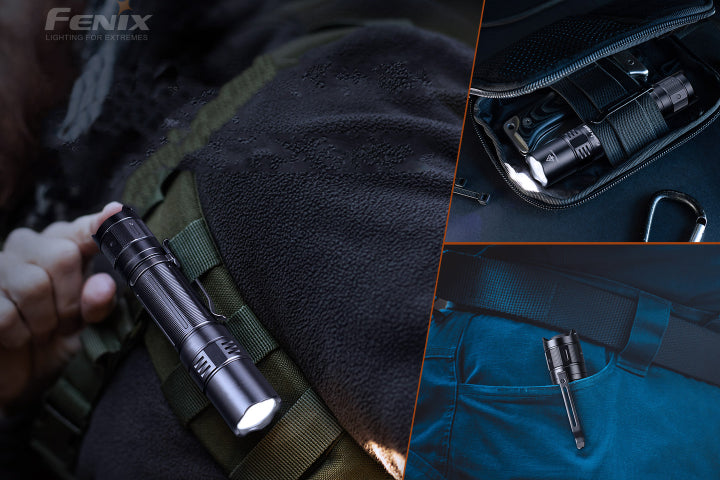



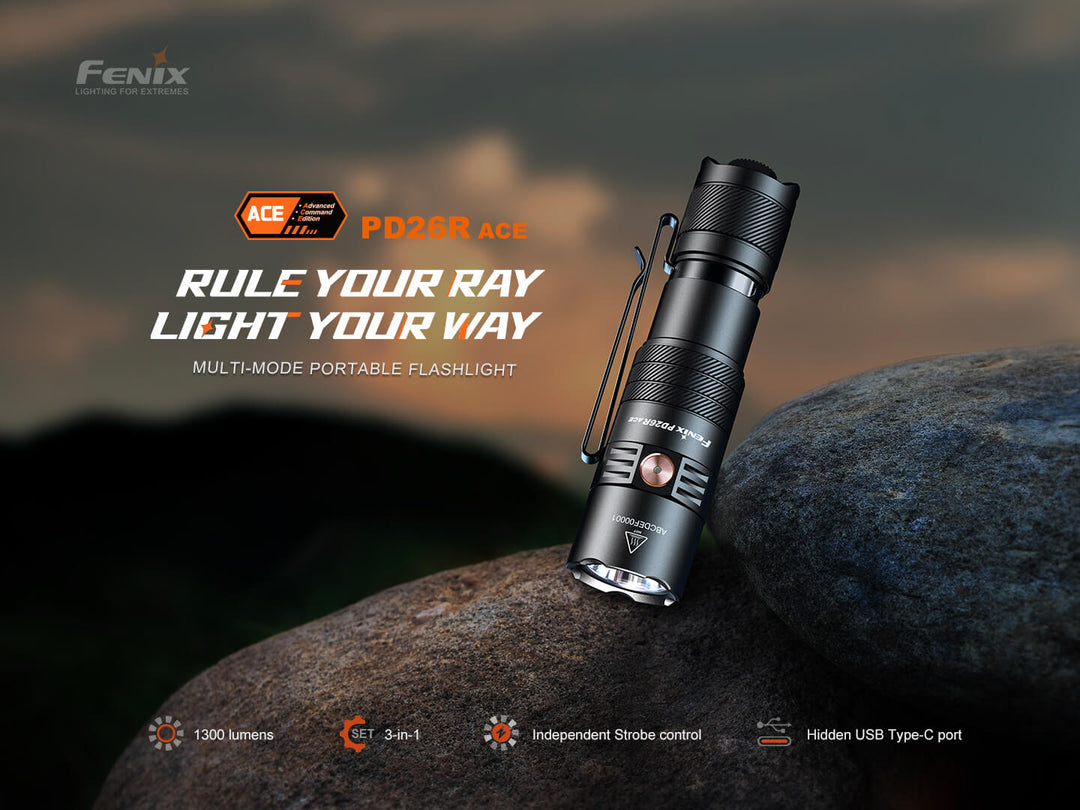


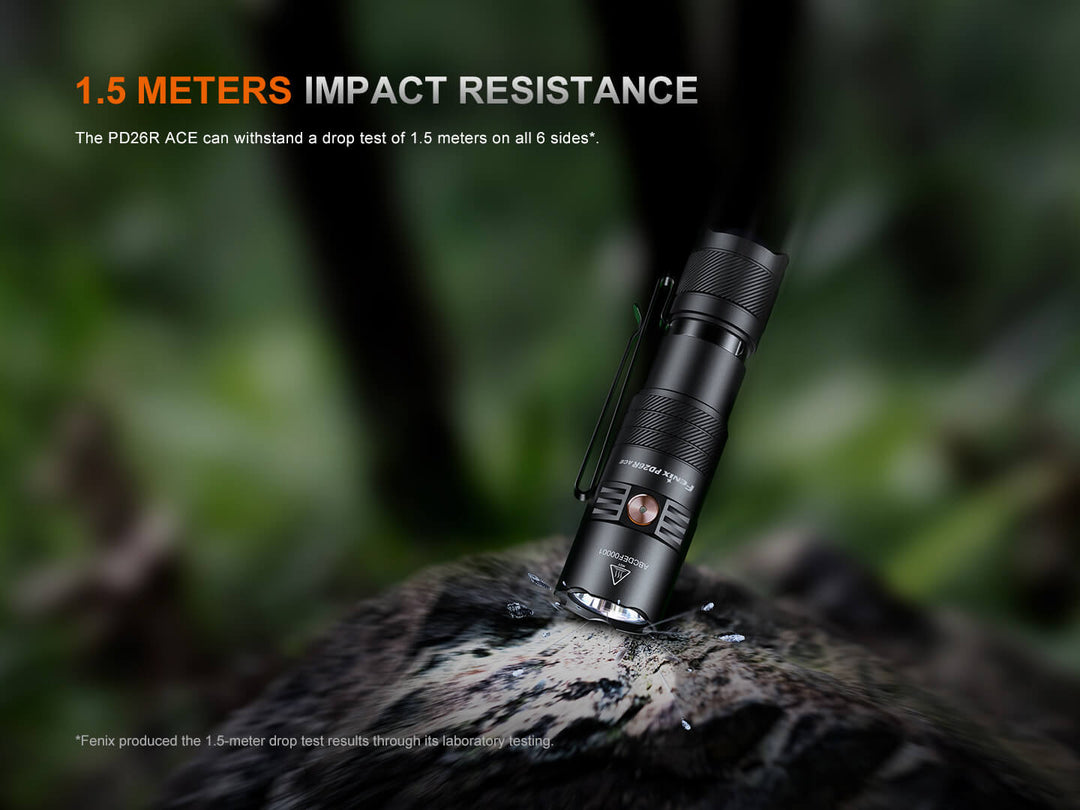






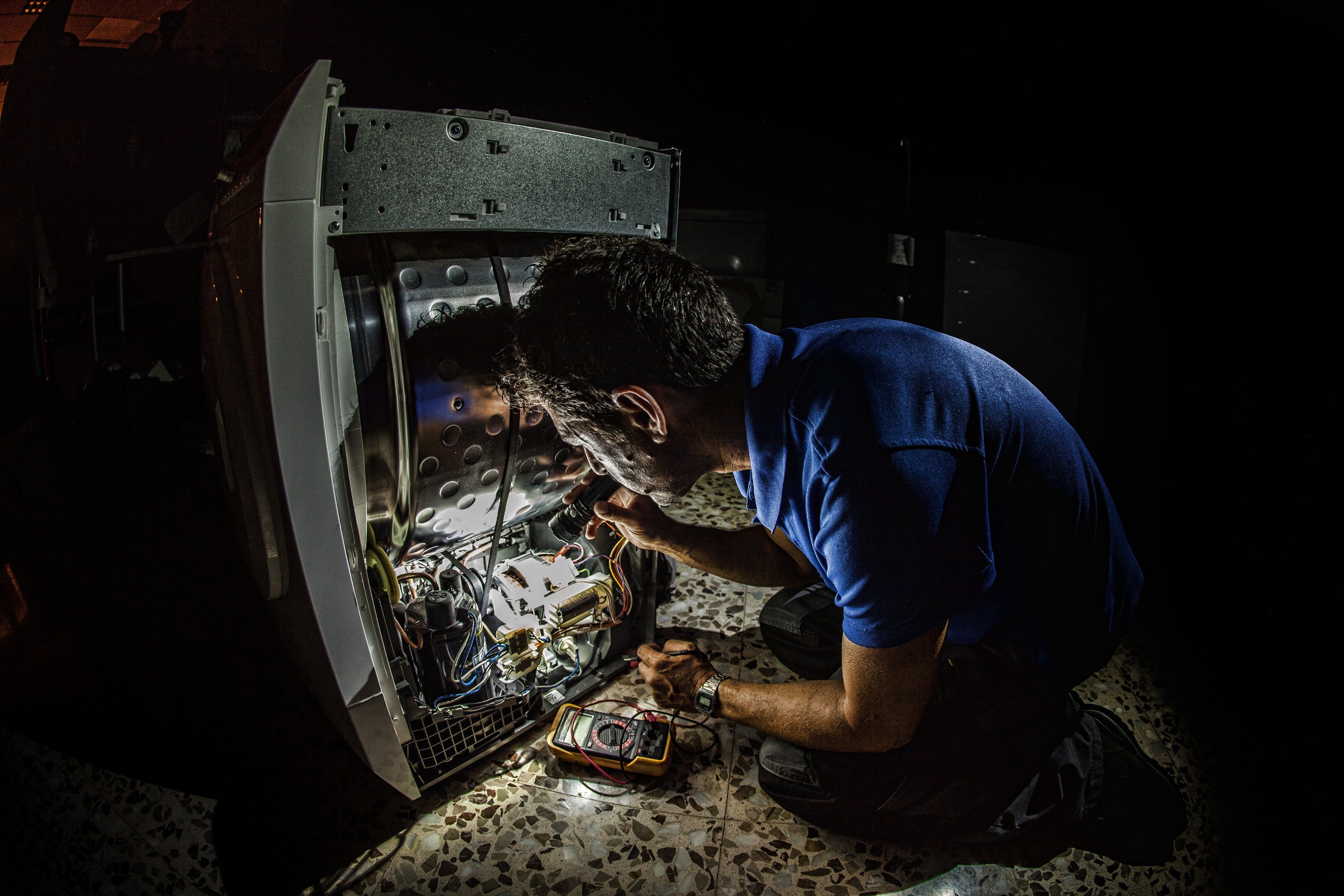
The Fenix PD26R ACE Multi-Mode Flashlight packs professional-grade performance into a compact body designed for everyday carry. Delivering up to 1300 lumens with a beam distance of 1,162 feet, this light ensures reliable illumination whether you’re navigating outdoor terrain, tackling work tasks, or keeping it on hand for emergencies. Featuring Fenix’s patented SET mode customization, you can tailor the light to your exact needs, while the independent strobe control offers instant access to tactical functionality. A hidden USB Type-C charging port powers the light back to full in just 2 hours, and with a maximum runtime of 556 hours, you can trust it to keep going when you need it most. Built to withstand demanding conditions, the PD26R ACE is IP68 waterproof and impact tested to 1.5 meters, making it a durable, versatile companion for both everyday and professional use.

Overall rating: 5.0 / 5 from 9 reviews.
Review topics: [].
"After a few weeks this light replaced the one carried daily for the pasted years. There are several great features, but the long battery life has impressed the most. The throw, spot, and spill too are perfect for a compact light. Lastly, after much research Fenix is complimented for its battery and LED protection ensuring the maximum longevity for their products."
"This 1 is the perfect length for comfortable carry. 3 lights in one. It has a hidden type C port and a button to choose 1 of 3 different set of lighting options. Moon light mode. Remembers turbo. It’s sweet. Try it."
"The PD26R is a very good and bright light,its small and can clip on your hat for hands free it’s the main reason I got this one!"
"This light is excellent for EDC. The light has plenty of power for normal use and the turbo is more than enough to blind someone so they can’t see through it for tactical purposes. Battery has a good life as well."
"Awesome light. Everything you guys do is top of the line. Keep it up!!!! No other light like a Fenix light!"
"I carry this flashlight everyday. I love it. Joe C."
"Compact and bright. Another great light from Fenix for my collection."
"Positives: USB C charger vs proprietary one, charger port cover well secured vs typical rubber cover that wears out, lowest setting 1 lumen provides 556 hrs of light, highest settings provides 350 lumens of light, light turns on at intensity of setting when you turned it off, priced right, has battery indicator. Negatives: None for me"
"One power light power in a small package!"